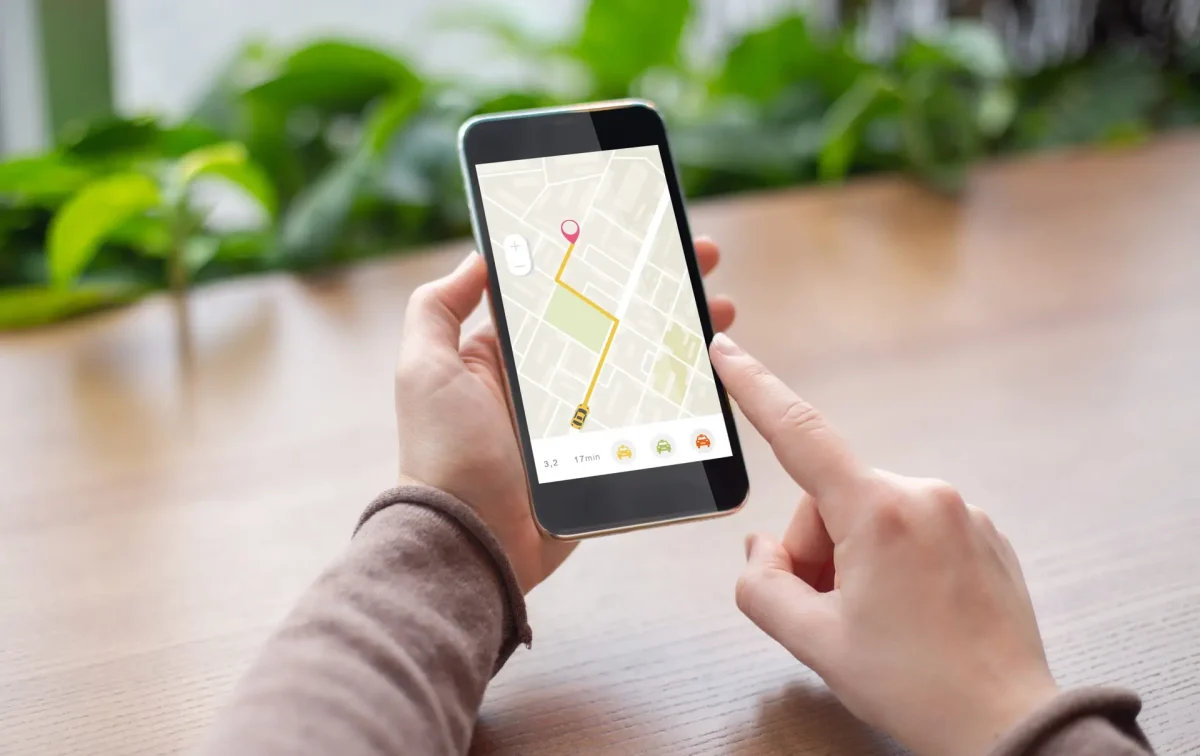
Near me keywords are searches that combine a product or service with nearby intent, such as ‘coffee shop near me’ or ‘plumber near me’. To reach those customers, make your real location, services and opening hours clear across Google Business Profile and your website. Repeating ‘near me’ in captions or page copy does not establish that your business is nearby.
For a local business in Lebanon, the practical question is whether a customer can find an accurate listing, confirm you serve their area and contact you without friction. This guide explains how to work on those steps, where social media fits, and what to measure before deciding an improvement has worked.
Here are all the topics we will cover in this guide
What are near me keywords?
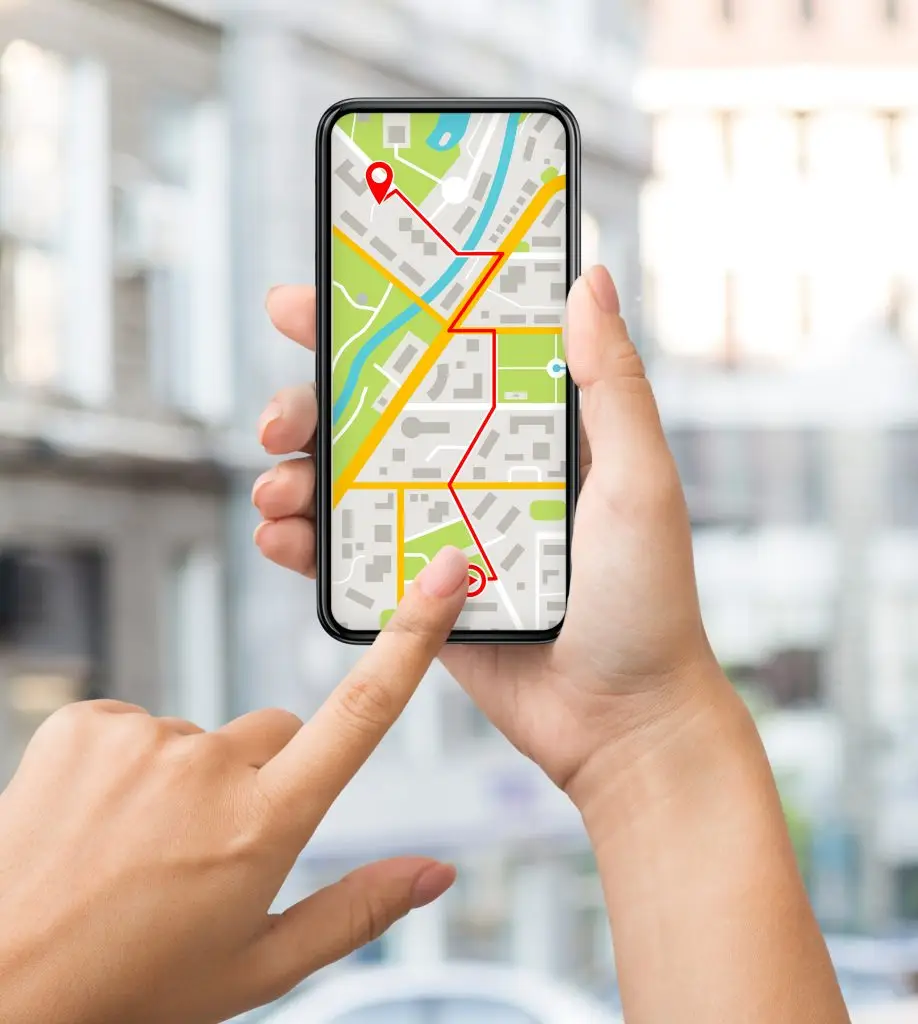
A search such as ‘dentist near me’ asks the search engine to connect a service with the searcher’s location. The person does not need to name Beirut, Tripoli or another city. Google can also show local results for a search without ‘near me’, such as ‘Italian restaurant’.
Google’s local ranking guidance identifies relevance, distance and prominence as the main factors behind local results. A complete profile helps explain what you offer; distance depends on the searcher’s location; prominence relates to how well known the business is, including signals such as links and reviews.
This means your visibility can vary between neighbourhoods. A result seen from your office is not a reliable ranking for every customer in Lebanon. There is no special phrase you can add to override distance, and paying for advertising does not buy a better organic local ranking.
Google search, Maps and social media have different jobs
Your Business Profile and relevant website pages support discovery in Google. Social profiles help people check your work, opening hours and contact details after finding you, and can bring visitors through their own search and feeds. A location tag or hashtag may help describe a social post, but it is not evidence that Google Maps will rank your listing higher.
Choose local queries that match your actual business
Start with the services you sell and the places you genuinely serve. A useful working list could include ‘emergency plumber Beirut’, ‘plumber near me’ and a specific repair you provide. Treat these as research examples, not proof of search volume. Use Search Console to see queries already bringing your site impressions and Keyword Planner to explore paid-search demand.
Check the results for each important query. A map pack suggests local-business intent; a page of tutorials suggests the person may want instructions instead of a supplier. Prioritise terms whose results and customer needs match your offer.
Record the language too. English, Arabic and French queries can produce different results in Lebanon. Do not assume translating the same keyword creates an equivalent opportunity.
Make your Business Profile accurate and useful
Check the business category, phone, website, opening hours and address or service area. Add special hours when normal opening times change, and show current photos that help customers recognise the business. These details make the listing more useful; they do not guarantee a particular position.
Follow Google’s business representation guidelines. Use the business name customers know from your real-world branding. Do not add ‘near me’, city names or extra service keywords to the name unless they are genuinely part of that name.
A business that travels to customers should describe its real service area and follow Google’s address rules. Adding more towns to that field is not a promise that the business will rank in each town. Avoid creating profiles for virtual offices or locations that do not meet Google’s eligibility requirements.
Ask customers for honest reviews without rewards or screening requests to include only happy customers. Reply usefully to feedback and resolve practical problems. For the broader process, see our local SEO guide.
Write location pages for people, not repeated keywords
A service page should explain what you do, where you can provide it, how enquiries work and any important restrictions. A physical location page can include the address, directions, parking information and current hours. A service-area business can explain coverage and booking arrangements without pretending to have an office in every town.
Use a descriptive title such as ‘Plumbing Services in Beirut’ when it accurately represents the page. Natural wording is enough. Sentences such as ‘we are the best plumber near me near you’ make the page harder to read without providing useful location information.
Do not duplicate the same page across dozens of neighbourhood names. Publish a separate location page only when it can offer meaningful local information, such as a genuine branch, distinct services, access instructions or relevant work examples. Google’s spam policies address doorway pages and keyword stuffing.
Link relevant services and locations together so visitors can reach the right information. For images, write alt text that describes the actual image when needed for accessibility. Adding ‘near me’ to every image filename or alt attribute is not a local SEO strategy.
Measure enquiries alongside search visibility
Before changing a page, save its Search Console clicks, impressions and query mix for a defined period. Compare equivalent periods after Google has had time to recrawl the changes, and remember that seasonal demand can affect the result. Average position is an aggregate, not a fixed rank across all locations.
Use Business Profile performance to understand the interactions Google makes available for your listing. On your website, measure completed contact forms, calls where tracking is supported and relevant booking actions. Keep a simple record of which enquiries became qualified leads or customers.
For example, a hypothetical repair business might see more impressions but no extra calls because its hours are wrong or its mobile enquiry form is broken. Fixing that customer journey may matter more than adding another keyword. This is a diagnostic example, not a Fatcowdigital client result.
Should I put ‘near me’ in my website copy?
Use it when answering a real customer question, as this article does. You do not need to insert it into every service heading. Accurate services, useful location information and a working contact path are a better starting point.
Will social hashtags improve my Google local ranking?
There is no basis in Google’s published local ranking guidance for treating a ‘near me’ hashtag as a ranking shortcut. Use social content to show relevant work and help customers contact you; evaluate its results separately from Google search.
A practical starting point
Check your listing details, improve the most relevant service page and test the mobile enquiry journey before expanding your keyword list. These steps address the information a nearby customer needs to make a decision.
If you need help diagnosing local visibility, explore Fatcowdigital’s SEO services or book a strategy session. Bring your current queries and enquiry data so the discussion starts with evidence.